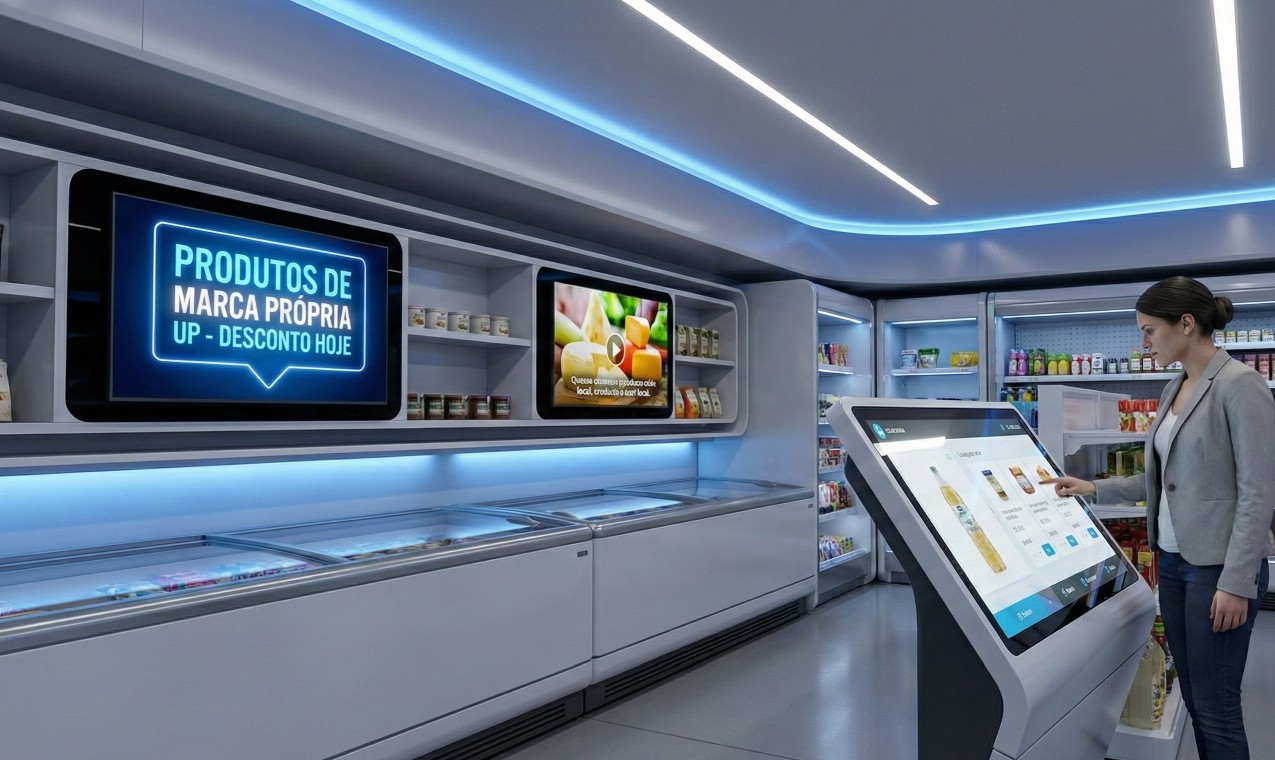
7 Erros de Digital Signage a Evitar em 2026
9 de janeiro de 2026
7 Erros de Digital Signage que Destroem o ROI (e Como os Evitar em 2026)
O Digital Signage evoluiu de simples ecrãs informativos para ecossistemas de comunicação "phygital" movidos a dados. No entanto, em 2026, a tolerância do consumidor para falhas técnicas é zero.
Este guia analisa as 7 armadilhas mais comuns na implementação de sinalização digital e oferece soluções baseadas nas tendências atuais de System-on-Chip (SoC) e automação via IA.
1. Qual é o melhor hardware: PCs Windows ou Players Dedicados?
A resposta curta: Para 90% dos casos, players dedicados ou SoC (System on Chip) são superiores.
O uso de Mini PCs com Windows é um erro clássico que resulta em "ecrãs azuis", atualizações forçadas e alto consumo energético. Em 2026, a norma da indústria recai sobre SoC (System-on-Chip) e players baseados em Linux/Android empresariais, desenhados para operar 24/7.
O Problema: Sistemas operativos desktop não foram feitos para sinalização ininterrupta. Falhas de energia resultam frequentemente em corrupção de dados e necessidade de intervenção manual.
A Solução WOST: Invista em hardware de grau comercial que suporte failover automático. Se a internet falhar, o ecrã deve continuar a reproduzir conteúdo localmente (cache), eliminando o temido ecrã preto.
Hardware estável é inútil sem um propósito. Mas como se mede o sucesso?
2. Como definir uma estratégia de Digital Signage com ROI mensurável?
Defina metas SMART ligadas diretamente ao funil de vendas, não apenas à estética.
Implementar ecrãs sem um KPI (Key Performance Indicator) claro é a via rápida para o desperdício orçamental. Dados de mercado de 2025 indicam que retalhistas com estratégias de sinalização integradas no ponto de venda registaram um aumento médio de 32% nas vendas.
O Erro: Usar os ecrãs como "papel de parede digital".
A Correção: Integre a sinalização na jornada do cliente. Se o objetivo é upsell, meça a variação de vendas do produto promovido durante as horas de exibição. Utilize sensores de audiência (anonimizados) para calcular a taxa de conversão real.
Com a estratégia definida, o que devemos mostrar nos ecrãs?
3. Com que frequência devo atualizar o conteúdo dos ecrãs?
A regra de ouro de 2026 é "React instead of Repeat" (Reagir em vez de Repetir). Conteúdo estático por mais de 4 horas torna-se invisível.
Estudos de atenção do consumidor mostram que a "cegueira publicitária" instala-se rapidamente quando o conteúdo não muda. Playlists estáticas e manuais são obsoletas.
O Risco: Preços desatualizados ou promoções de eventos passados destroem a confiança na marca.
A Solução: Utilize CMS (Content Management Systems) na cloud com triggers automáticos. O seu ecrã deve mudar o conteúdo baseando-se em dados em tempo real: se está a chover, promova guarda-chuvas; se o stock de um produto acabar, o anúncio deve desaparecer automaticamente do ecrã.
4. O design amador afeta a perceção da marca?
Sim. Conteúdo visualmente pobre reduz a perceção de qualidade do produto em cerca de 50%.
A democratização de ecrãs 4K e 8K elevou a expectativa do público. Vídeos com baixa resolução, texto ilegível ou identidades visuais incoerentes transmitem amadorismo.
A Prática: Evite o "Excel no ecrã".
A Solução: Crie templates profissionais que bloqueiem o uso de fontes ou cores fora da marca. Garanta coesão visual entre o que o cliente vê no telemóvel e o que vê no ecrã da loja (estratégia Omnicanal).
O conteúdo é rei, mas apenas se for visto. Onde devem ficar os ecrãs?
5. Qual a altura e localização ideal para instalar ecrãs?
Os ecrãs devem estar ao nível dos olhos (1.5m a 1.7m do chão) e em zonas de alto tráfego natural.
Um erro técnico frequente é instalar ecrãs demasiado alto (perto do teto) ou em zonas de "passagem rápida" onde ninguém para. Além disso, ignorar a incidência solar pode tornar o ecrã ilegível.
Auditoria de Fluxo: Analise o "caminho de compra" dentro da loja.
A Solução: Realize testes de iluminação antes da instalação definitiva. Utilize ecrãs de alto brilho (nits elevados) para montras viradas para a rua.
6. Qual é o mix ideal de conteúdo informativo vs. promocional?
Siga a regra 60/40 ou 70/30: A maioria do conteúdo deve agregar valor, não apenas vender.
Tratar o Digital Signage como um canal de TV com anúncios ininterruptos fadiga o espectador e reduz o dwell time (tempo de permanência).
O Erro: O "Loop de Propaganda Infinita".
A Solução: Para reter a atenção, ofereça utilidade. Inclua feeds de notícias, meteorologia, redes sociais ou curiosidades do setor (Infotainment). Quando o cliente obtém valor do ecrã, fica recetivo à mensagem promocional que surge a seguir.
E se, apesar de tudo, o sistema falhar?
7. Porque é obrigatório ter monitorização remota (Device Management)?
Sem gestão remota, o tempo médio de inatividade (downtime) pode durar dias, anulando o investimento.
Em 2026, a gestão de frotas de ecrãs exige proatividade. Confiar que os funcionários da loja avisarão que um ecrã está preto é um erro de gestão.
A Realidade: Players desligados significam perda diária de comunicação e receita.
A Solução WOST: Implemente plataformas com alertas de "heartbeat" em tempo real. O sistema deve notificar a equipa técnica via email/SMS no momento em que um player fica offline, permitindo reinícios remotos e garantindo um uptime superior a 99%.
Conclusão: Transforme Ecrãs em Ativos Estratégicos
Evitar estes erros não é apenas uma questão técnica, é uma vantagem competitiva. Na WOST, especializamo-nos em transformar redes de sinalização problemáticas em canais de comunicação robustos e automatizados.
Está pronto para auditar a sua rede? Contacte-nos hoje para uma análise gratuita da sua infraestrutura digital.